


How to Prepare for a Telehealth Visit in Texas
Zima Medical
October 25, 2026
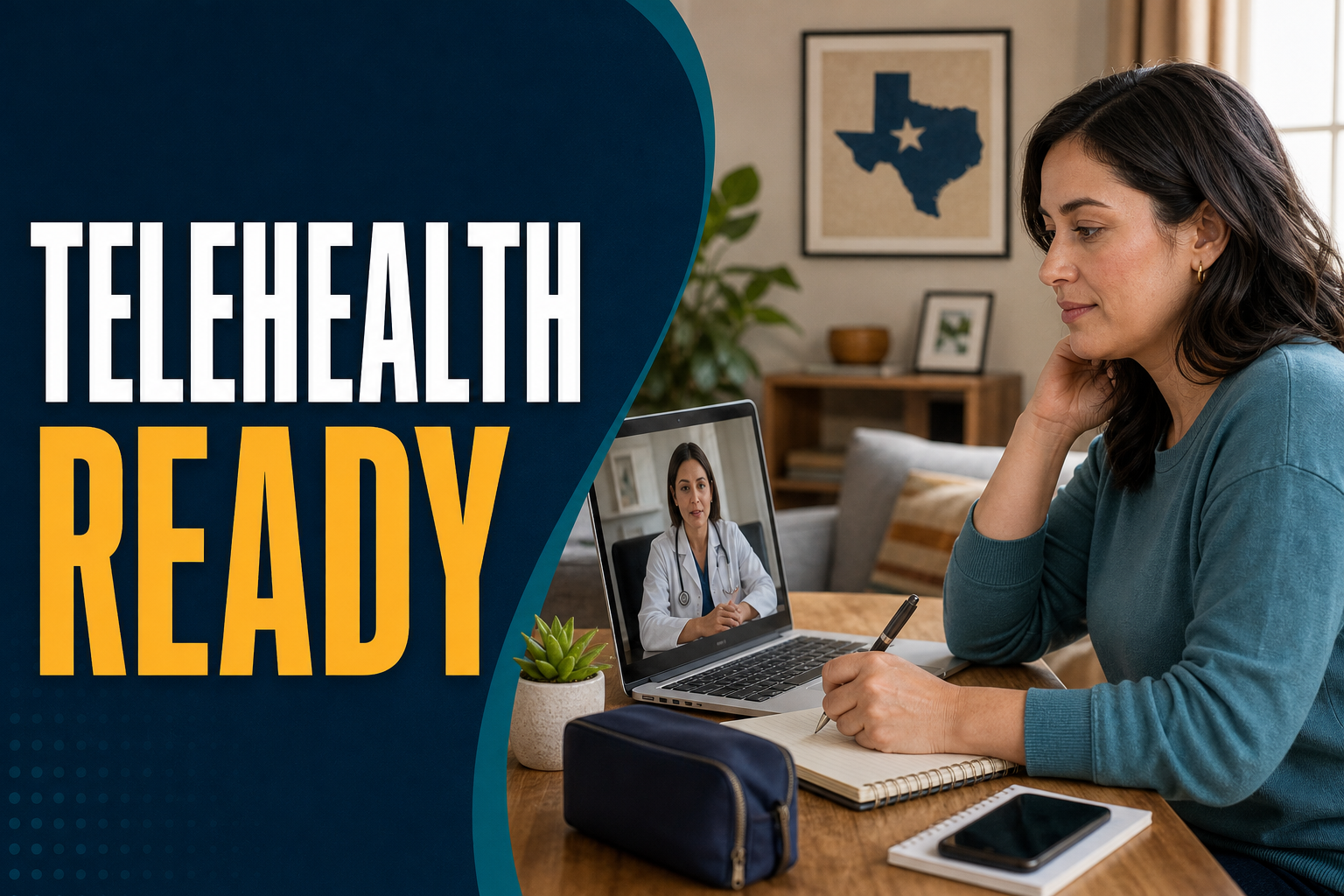
To prepare for a telehealth visit, gather your photo ID, insurance details if used, medication list, symptoms, questions, and any home health readings. Test your device, internet, camera, and microphone before the visit. Choose a private, well-lit place so you can speak clearly with the clinician.
Key Takeaways
- Plan ahead so your visit time is used well.
- Have your medication bottles, refill needs, and health history nearby.
- Use a quiet, private space with good lighting.
- Check your device, camera, microphone, and internet before the visit.
- Know when symptoms need urgent or emergency care instead.
What should you do before a telehealth visit?
Before a telehealth visit, write down your main reason for the appointment, collect key health details, and make sure your technology works. This helps the clinician understand your needs faster. It also lowers stress, especially if you are asking about a refill, a new symptom, or preventive care.
Good online doctor visit preparation starts with one simple step: decide what you want help with. Some patients need a medication refill. Others want to review lab results, talk about blood pressure, discuss a rash, or ask if they need an in-person exam. Be clear about your main concern.
Try to focus on the top one to three issues. A telehealth visit has limited time. If you bring a long list, the clinician may help you choose which concerns need care first. If you have several complex concerns, you can ask whether a follow-up visit may be helpful.
Make a short visit note
Write a few notes before your appointment. You do not need a long report. A short list can help you remember what matters.
- Your main symptom or question
- When it started
- What makes it better or worse
- Any recent illness, injury, travel, or exposure
- What you have already tried
- Your top questions for the clinician
If your visit is for preventive care, list the screenings, vaccines, health goals, or risk factors you want to review. If you are not sure what you need, the clinician can discuss what may fit your age, history, and health needs.
Send forms early if asked
Some telehealth platforms ask for forms before the visit. These may cover your health history, current medicines, allergies, pharmacy choice, or consent for virtual care. Filling them out early can help avoid delays.
Use clear, complete answers. If you do not know an answer, say so. It is better to be honest than to guess. If your health history is complex, keep your notes nearby during the visit so you can answer follow-up questions.
What information should you have ready?
Have your identity details, medical history, medicine list, allergies, pharmacy information, and recent health readings ready before the visit starts. If you are asking for a refill, keep the medicine bottle nearby. Clear information helps the clinician decide what questions to ask next.
For many patients, the most useful item is a current medication list. Include prescription medicines, over-the-counter products, vitamins, and supplements. If you do not know the names, gather the bottles and packages so you can read the labels during the visit.
Do not change how you take medicine based only on general online information. If you have concerns about side effects, missed doses, refills, or cost, talk with a licensed clinician. They can review your situation and explain safe next steps.
For a medication refill visit
A refill visit often works best when you can answer basic questions about the medicine and your health. The clinician may ask how the medicine is working, whether you have concerns, and whether you have had recent follow-up care or lab checks if needed.
- The name of the medicine
- The reason you take it
- The prescriber listed on the bottle
- Your preferred pharmacy
- Any side effects or concerns
- Any missed follow-up visits or tests
Some medicines or health issues may not be right for a telehealth refill. The clinician may explain that an in-person exam, lab work, or a different level of care is needed. This is done to help keep care safe.
For a symptom visit
If you are being seen for symptoms, write down the timeline. A clear timeline can be more helpful than trying to remember details during the call.
- When the symptom began
- Whether it came on slowly or suddenly
- How it has changed
- Any fever, pain, swelling, rash, cough, nausea, or shortness of breath
- Any close contacts who are sick
- Any home test results, if you have them
If you have home devices, such as a blood pressure cuff, thermometer, pulse oximeter, scale, or glucose meter, have them nearby. Only share readings you actually took. If you are unsure whether your device is accurate, mention that during the visit.
How should you set up your space and technology?
Set up in a private, quiet, well-lit place with a charged phone, tablet, or computer. Test your camera, microphone, speakers, and internet before the appointment. Place your device on a stable surface so your hands are free to show medicines, a rash, or paperwork if needed.
Many telehealth problems are simple tech issues. A weak internet signal, low battery, blocked camera, or muted microphone can use up visit time. Check these items before your appointment. If possible, join a few minutes early so you can fix small problems.
Choose the right space
Your space can affect the quality of your visit. A car, workplace, or public area may not be private enough. If you must use one of these spaces, try to find a quiet spot where others cannot hear your personal health details.
- Sit facing a light source, not with a bright window behind you.
- Reduce background noise from television, fans, traffic, or other people.
- Keep pets away if they may interrupt.
- Use headphones if privacy is limited.
- Have paper and a pen nearby for notes.
Check your device
Use a device you know how to use. A smartphone can work well, but a tablet or computer may make forms easier to read. Charge your device or keep it plugged in. Close other apps that may slow your connection.
If you are helping a parent, child, or family member with the visit, make sure the patient is present unless the clinician or platform has given other instructions. The clinician needs to speak with the patient when possible and confirm key details.
What should Texas patients know about virtual visits?
For a virtual doctor visit in Texas, be ready to confirm where you are located during the appointment and share a Texas pharmacy if medication is discussed. Rules can depend on location, clinical need, and the type of care. Ask the clinician what can be handled online.
Texas is a large state, and telehealth can help patients who live far from clinics, have busy schedules, or need easier access to routine care. It may also help when travel is hard due to weather, work, family needs, or transportation limits.
Even with these benefits, not every concern can be handled by video or phone. Some issues need a hands-on exam, imaging, lab testing, or emergency care. The clinician can tell you if your concern is a good fit for telehealth or if you need in-person care.
Location matters during the visit
At the start of the visit, you may be asked to confirm your current location. This matters because clinicians are licensed by location, and emergency planning can depend on where you are. Give the address or city where you are at the time of the visit, not only your home address.
If you are traveling outside Texas, ask before booking whether a Texas telehealth visit is the right option. Care rules can vary by state. A licensed clinician can explain what is possible for your situation.
Pharmacy access in Texas
If medication is part of the visit, have your preferred pharmacy name and location ready. If you use a mail-order pharmacy, have those details nearby too. If you have changed pharmacies, update that before the visit so there is less chance of a delay.
For refill visits, it can also help to know when your current supply may run out. Avoid waiting until the last minute when possible. Some refill requests may need review, records, lab results, or an in-person visit.
What can you expect during a telehealth appointment?
During a telehealth visit, the clinician will confirm your identity, ask why you scheduled the visit, review your symptoms or health goals, and discuss possible next steps. You may be asked to show medicines, share home readings, or move the camera to view a concern.
If you are new to virtual care, knowing what to expect in telehealth can help you feel more at ease. The visit is still a medical visit. You should speak openly, ask questions, and tell the clinician if you do not understand something.
The first few minutes
The visit may begin with basic checks. You may be asked your name, date of birth, location, and reason for the visit. You may also be asked about allergies, current medicines, health conditions, and recent changes in your health.
Try to answer in a clear and direct way. If you are not sure, say so. If you forgot a detail, offer to find it. Clinicians are used to helping patients sort through health information.
The exam may look different
A telehealth exam is not the same as an in-person exam, but it can still be useful. The clinician may ask you to describe pain, point to an area, check your temperature, show a rash, take a pulse, or read a blood pressure result from a home cuff.
Wear clothing that lets you show the concern if needed while staying comfortable and private. For example, if you have a skin concern on your arm, short sleeves may help. If you feel uncomfortable showing an area on camera, say so and ask about options.
Next steps after the visit
At the end, the clinician may explain next steps. This could include self-care guidance, follow-up, testing, in-person evaluation, or medication review. Ask what signs should prompt urgent care and when you should seek more help.
Before the visit ends, repeat back the plan in your own words. This helps catch any confusion. If you are expecting a pharmacy-related step, confirm the pharmacy details before you log off.
How can telehealth help with preparation, prevention, and refills?
Telehealth can make it easier to review preventive care needs, prepare for follow-up, and discuss refill questions without always traveling to a clinic. It works best for concerns that can be safely assessed by history, video, home readings, and medical records.
Preventive care is not only about annual visits. It also includes checking in on health habits, risk factors, chronic conditions, and screenings that may be due. A telehealth visit can help you talk through these topics and decide what needs follow-up.
Preventive care topics that may fit telehealth
Some preventive care discussions can start online. The clinician can review your history and help you understand what may be appropriate to discuss further.
- Blood pressure concerns and home readings
- Weight, nutrition, sleep, and activity goals
- Medication safety questions
- Screening questions based on age and history
- Smoking, alcohol, or substance use concerns
- Stress, mood, and sleep concerns
Telehealth can also help you prepare for in-person care. For example, a clinician may help you decide what records to gather, what symptoms to track, or what type of visit may be needed next.
Refill support and medication questions
Many patients use telehealth to ask about refill needs. The clinician will need enough information to decide whether a refill request can be reviewed safely. This may include your history, how long you have used the medicine, recent readings, and whether follow-up testing is needed.
Some medicines require closer monitoring than others. If you are not sure what applies to you, ask the clinician what information is needed. Do not assume every refill can be handled online.
What telehealth appointment tips can make the visit better?
The best telehealth appointment tips are simple: be on time, be honest, stay focused, keep records nearby, and ask questions before the visit ends. Treat the visit like an in-person appointment, even though you are at home or another private location.
Small habits can make a big difference. Log in early. Turn off notifications. Let others in your home know you need privacy. Keep your medication bottles, health readings, and notes within reach.
Use clear words about symptoms
Describe what you feel in plain language. Instead of saying you feel “bad,” explain whether you feel pain, pressure, dizziness, nausea, weakness, itching, sadness, or trouble breathing. Clear words help the clinician ask better questions.
It can also help to rate how much the symptom affects your day. Can you work, sleep, eat, walk, or care for yourself as usual? Share what has changed from your normal routine.
Ask questions before the visit ends
Do not wait until after you log off to think of your questions. Keep your list in front of you. If a plan is discussed, ask what to do if symptoms get worse, what follow-up may be needed, and whether anything should be handled in person.
If you do not understand a term, ask for it to be explained in plain words. It is okay to ask the clinician to repeat something. Your visit should leave you with a clear idea of the next step.
When should you see a doctor in person or go to the ER?
Telehealth is not right for every medical concern. Seek urgent or emergency care for severe, sudden, or worsening symptoms, or if you feel unsafe. If you are unsure whether your symptoms are an emergency, it is safer to seek immediate medical help.
Some symptoms need hands-on care right away. Do not wait for a virtual visit if you think you may be having a medical emergency. Emergency teams can check vital signs, run tests, give urgent treatment, and monitor you in person.
Consider emergency care for serious symptoms
Go to the ER or call emergency services for symptoms such as chest pain, severe trouble breathing, signs of stroke, fainting, severe injury, heavy bleeding, severe allergic reaction, or thoughts of harming yourself or others. This list is not complete.
Other symptoms may also need urgent in-person care, especially if they are sudden, severe, or getting worse. Trust your concern. If something feels seriously wrong, do not rely on a routine telehealth visit.
In-person care may be needed for certain exams
Some health issues need touch, imaging, lab tests, or procedures. Examples may include severe abdominal pain, broken bones, deep wounds, certain infections, or symptoms that need a detailed physical exam. A clinician can help decide what level of care is needed.
If your telehealth clinician recommends in-person care, ask what type of setting is best, such as primary care, urgent care, or emergency care. The answer depends on your symptoms and risk factors.
How should you prepare after the visit is over?
After the visit, write down the plan, follow any agreed next steps, and save any visit summary you receive. Check that you understand follow-up needs, pharmacy details, warning signs, and any recommended in-person care. Ask the clinic how to handle questions after the visit.
A good visit does not end when the video closes. Take a few minutes to review your notes. If you received a visit summary, compare it with what you heard. If something seems unclear, contact the care team through the approved patient communication method.
Track changes after the visit
If you were seen for symptoms, keep track of changes. Write down whether symptoms improve, worsen, or stay the same. Note new symptoms. This can help if you need follow-up care.
If you were seen for preventive care or a refill question, make a reminder for any follow-up that was discussed. This may include an in-person visit, lab work, home readings, or another check-in with a clinician.
Keep your health information updated
Telehealth works better when your health record is current. Update changes in medicines, allergies, surgeries, diagnoses, pharmacy, phone number, and address. If you see more than one clinician, keep a personal list so you can share accurate information.
Learning how to prepare for a telehealth visit can help you feel more confident and make the visit more useful. With clear notes, working technology, and the right setting, you can have a smoother conversation about your health needs.
Request your consultation or medication refill today with EasyConsult
This article is for general information and is not a diagnosis, treatment plan, or a substitute for care from a licensed clinician. If you may be having a medical emergency, call 911.
Frequently asked questions
What should I have with me for a telehealth visit?
Have a photo ID, insurance details if used, medication bottles, allergy list, preferred pharmacy, and notes about your main concern. If you have home readings, such as blood pressure or temperature, keep them nearby. Also have paper and a pen so you can write down the plan.
Can I get a medication refill through telehealth in Texas?
Some refill requests may be reviewed through telehealth, but it depends on the medicine, your health history, and whether follow-up care or testing is needed. Keep your medication bottle and pharmacy details ready. A licensed clinician can explain whether your refill concern can be handled online.
What if my internet stops working during the visit?
Try to rejoin the visit using the same link or app. If that does not work, follow the platform’s instructions for technical problems. Before your visit, charge your device, test your camera and microphone, and choose a spot with a strong connection to reduce the chance of issues.
Is a phone visit the same as a video visit?
A phone visit and video visit can feel similar, but video may let the clinician see certain concerns and better assess your condition. Some issues may need video, while others may be handled by phone. Ask the care team what type of visit fits your concern.
When is telehealth not the right choice?
Telehealth is not right for emergencies or severe symptoms. Seek urgent or emergency care for chest pain, severe trouble breathing, signs of stroke, major injury, heavy bleeding, or thoughts of harming yourself or others. Some concerns also need an in-person exam, lab testing, or imaging.
Share this blog


Featured Blogs

What to Ask Before Taking a New Medication
Before you take a new medication, ask clear questions about why you need it, how it may help, and what side effects to watch for. A short talk with a clinician can help you feel safer and more prepared.

Adult Vaccines to Discuss With a Texas Clinician
Adult vaccines can help lower the risk of serious illness at many stages of life. Texas patients can use a clinician visit to review health history, work needs, travel plans, and medication refills.
Managing High Blood Pressure With Telehealth Support in Texas
Telehealth can make high blood pressure follow up easier for Texas patients. Learn how online care, home readings, and refill visits may support long-term blood pressure management.